
Instructional Design and Workforce Training
At Peregrine Digital Media, we subscribe to lifelong learning. Whether it be the constant need to stay up on technical skills or helping your company grow efficiently through knowledge transfer and skills training —
If you are new to Instructional Design or EVEN if you have developed a course before, you may need to see some of the most used terms in instructional development.
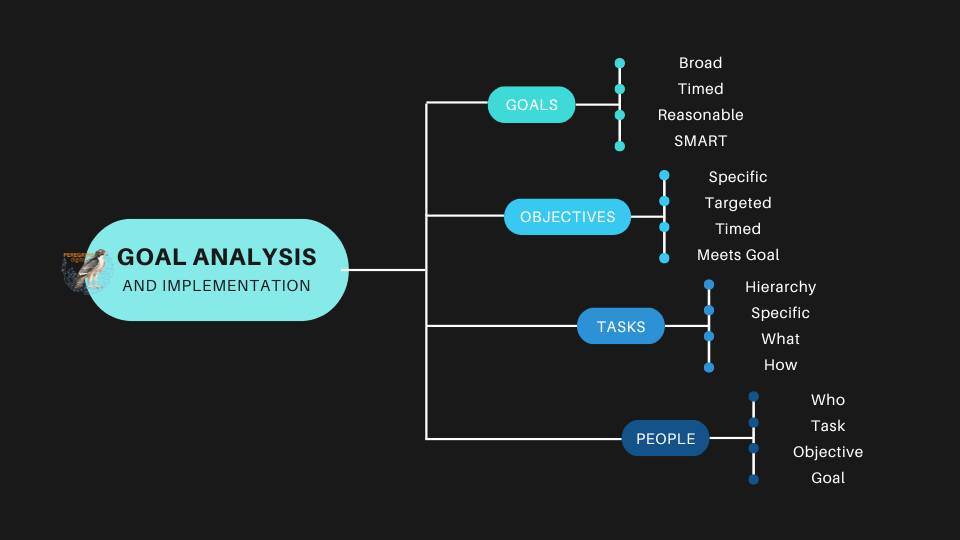
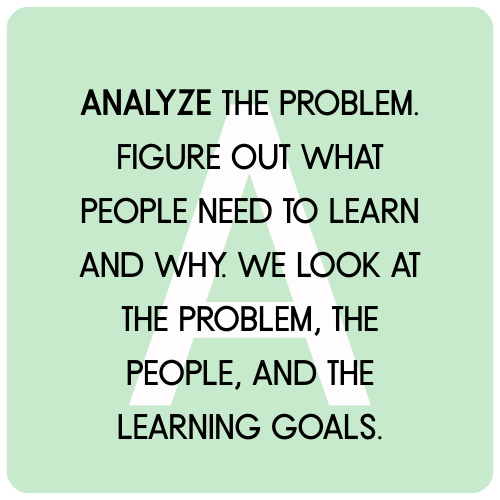
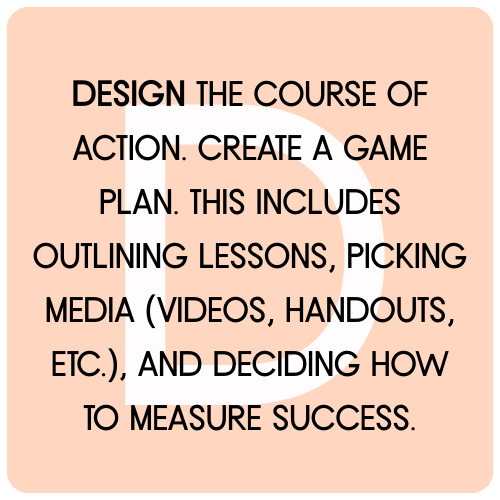
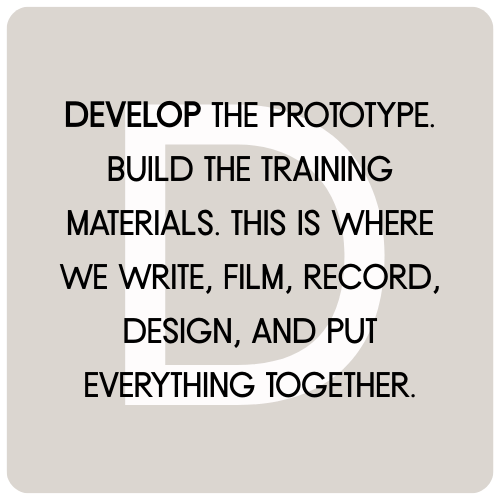
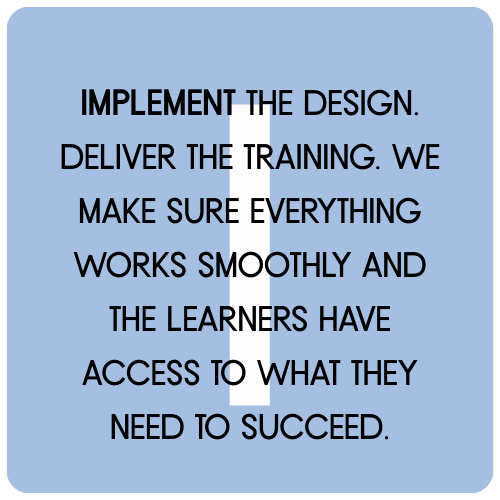
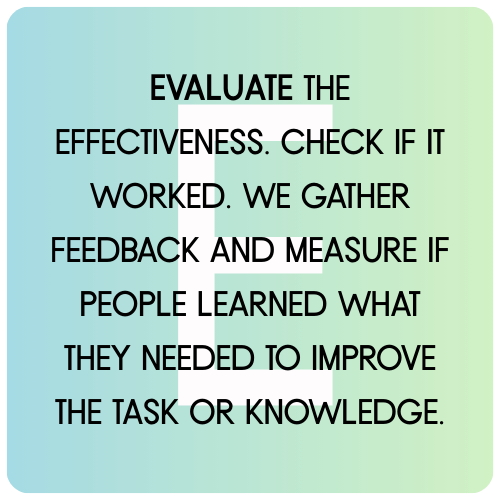
Let’s begin with a review of common process called ADDIE:




Why We Use SAM
-
Faster feedback means fewer surprises.
-
Learner-centered design from the start.
-
Collaborative and transparent process for clients.
-
Continuous improvement — we test and tweak until it’s the best it can be.
SAM: Successive Approximation Model
While ADDIE is a step-by-step process, SAM is more like a spiral. We tend to use SAM during the DDI phases of the ADDIE process. It’s an iterative design model—which means we build, test, and improve over and over until the training is just right.
At Peregrine Digital, we use SAM to move fast and stay flexible. Instead of spending months building a full course only to find out it doesn’t quite work, we start small, test early, and refine often.
We follow a prototyping methodology that moves through three main phases:
-
Low-Fidelity Prototype
-
Think paper sketches, sticky notes, flowcharts, and rough outlines.
-
We use simple tools to map out the concept and get fast feedback.
-
Example: Drawing a sample lesson layout on a whiteboard or using index cards to organize a sequence.
-
-
-
Mid-Fidelity Prototype
-
Now we make a working version—slides, screen mockups, or simple digital walkthroughs.
-
Still rough, but closer to what the learner will actually experience.
-
Example: An early version of an eLearning module with placeholder text and sample interactions.
-
-
-
High-Fidelity Prototype
-
This is the polished version with final content, visuals, audio, and functionality.
-
Built to be tested by real users or launched as the final product.
-
Example: A fully branded, interactive course hosted in an LMS, complete with knowledge checks and downloadable resources.
-
-

Your Website Should Teach, Not Just Sell
Most small business websites are organized around a sales pitch. Hero image, list of services, contact form. That structure works for the customer who already knows […]

How Local Search Changed Again, and What Albuquerque Businesses Should Do About It
Five years ago, ranking in Albuquerque’s local pack meant a strong Google Business Profile, steady reviews, and a website Google could read. Most of that still […]

AI for Small Business Marketing in 2026: What Works, What Wastes Your Money
Two years into the small business AI boom, the picture is finally clear enough to give honest advice. A few tools save real time and produce […]